Model Context Protocol (MCP) with Wisprr Notes
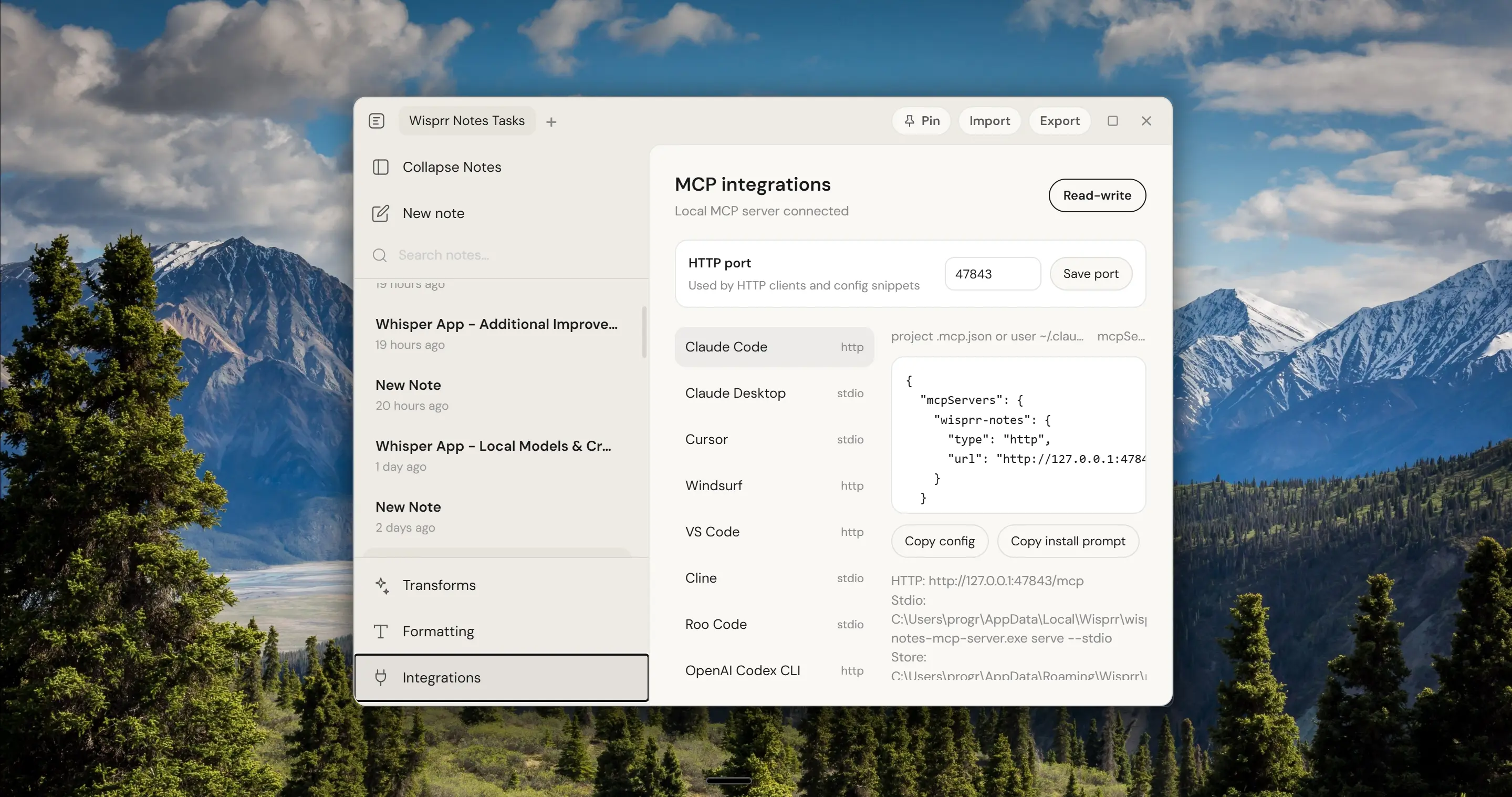
Wisprr Desktop embeds a fully-featured Model Context Protocol (MCP) server. Give your local AI models secure, private read-write access to your voice-dictated notes, transcripts, and daily journals.
Exposed Tools & Capabilities
Once integrated, your local AI assistant will have access to the following notes API tools via JSON-RPC:
list_notes
Enables the LLM to query your notes index. Supports filtering by specific folder names, tag labels, result counts, and pagination cursors.
read_note
Retrieves the full raw Markdown file content of any note by its unique hexadecimal ID. Perfect for letting the AI summarize, format, or review notes.
search_notes
Performs high-speed keyword search inside note titles and markdown body content, returning ranked matches with relevance scores and context snippets.
create_note
Let the AI write notes directly into your vault. Takes a title, markdown content, optional folder structure, and tag array (requires Read-write permission).
update_note
Enables incremental modifications of titles, content body, folder, and tags on existing notes. Preserves full note history and tags (requires Read-write permission).
Resources & Prompts
Supports MCP resource schemas like wisprr://notes/{id} and predefined prompt templates such as daily-note and summarize-note.
Local Host Server Controls
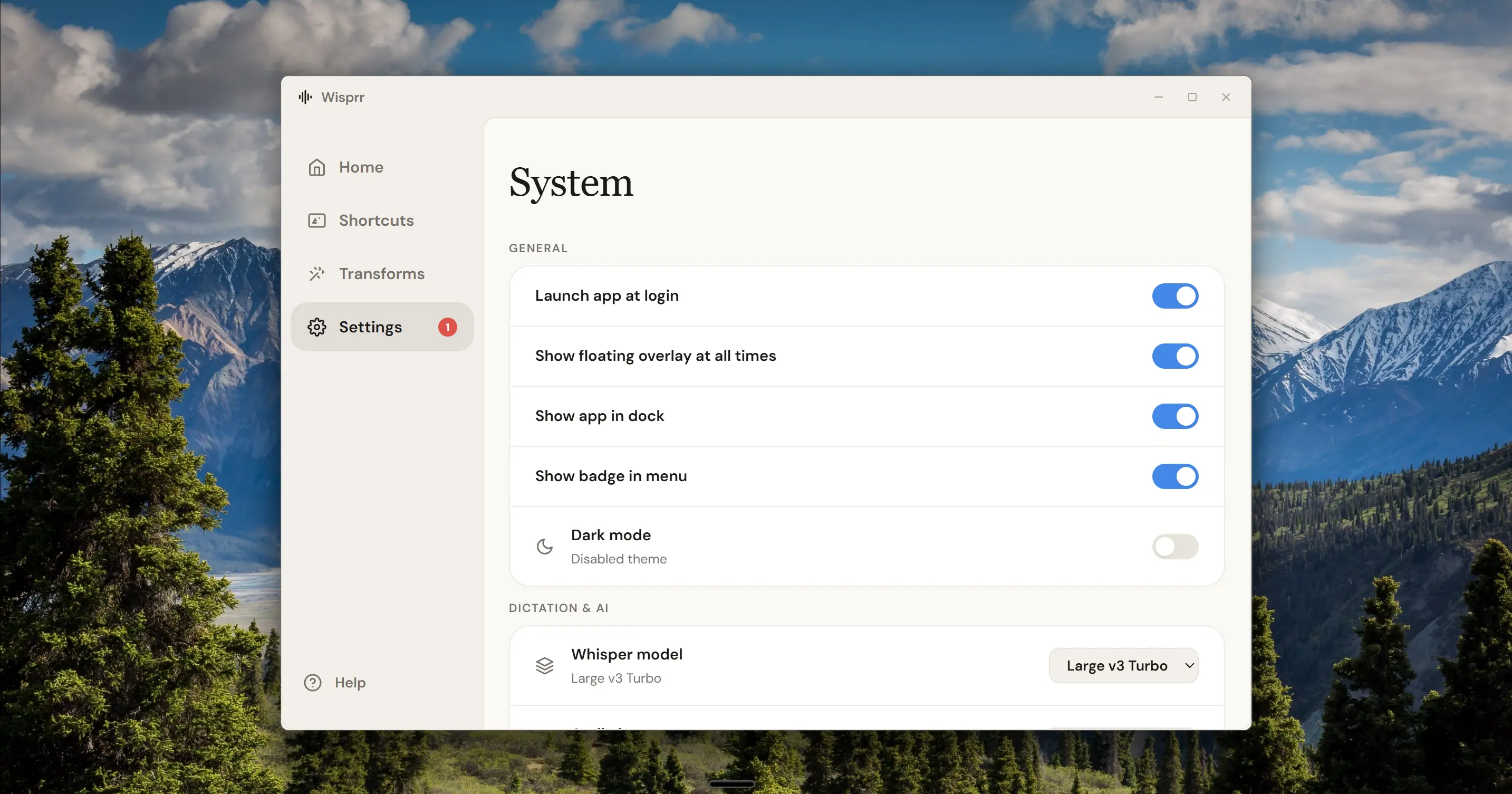
Read-Only vs Read-Write Permission
By default, external connections are strictly **Read-only** to safeguard your data. You can toggle **Read-write** access in the Wisprr Desktop settings panel to allow AI models to create and update notes.
Custom Port Allocation
The HTTP server defaults to port 47843. If that port is already allocated by another service, you can configure a custom port via the desktop application settings.
Client Configuration Guides
Select your developer IDE or AI client below to view configuration paths and copy the settings.
Connecting to Claude Desktop
Open your Claude Desktop config file: %APPDATA%\Claude\claude_desktop_config.json (Windows) or ~/Library/Application Support/Claude/claude_desktop_config.json (macOS).
Add the 'wisprr-notes' block under the 'mcpServers' object.
Restart Claude Desktop to load the Wisprr Notes server.
{
  "mcpServers": {
    "wisprr-notes": {
      "command": "wisprr-notes-mcp-server",
      "args": ["serve", "--stdio"]
    }
  }
}