"Vibe Coding": How Developers Use Voice Dictation to Write Software
Quick Answer: What is Vibe Coding?
'Vibe coding' refers to a new software development methodology where engineers use natural language (often via voice dictation) to instruct AI coding agents (like Cursor or Windsurf) rather than writing boilerplate code manually. Syntax-smart dictation tools like Wisprr capture the developer's audio, format it into a structured system prompt, and paste it directly into the IDE.
The Context Prompt Bottleneck
Software engineering has always been anchored to the keyboard. But the rise of AI-integrated IDEs like Cursor and Windsurf is birthing a weird new methodology. Instead of writing boilerplate code line by line, developers are managing AI coding agents.
The problem? Managing agents requires writing massive, highly detailed context prompts. Manually typing those out becomes a huge bottleneck in the development cycle. Your brain knows the architecture, but your fingers can't type the instructions fast enough.
Why Standard OS Dictation Fails for Programmers
You would think voice dictation would be the obvious fix. But standard operating system dictation is completely useless for programmers.
If you dictate to Windows Voice Access, it doesn't understand camelCase or snake_case. It brutally misspells tech stacks like Supabase, Vercel, or Kubernetes. It tries to capitalize variables that should be lowercase. Editing the resulting transcript takes longer than just typing it in the first place.
Syntax-Smart Dictation with Wisprr
That is exactly why developers are adopting syntax-smart dictation tools.
Using an app like Wisprr, the workflow changes completely. You can hold down your dictation hotkey (F6) and just ramble out a complex command: 'Generate a React component for a user login screen, use Tailwind CSS for the styling, and make sure the state management uses a Redux slice.'
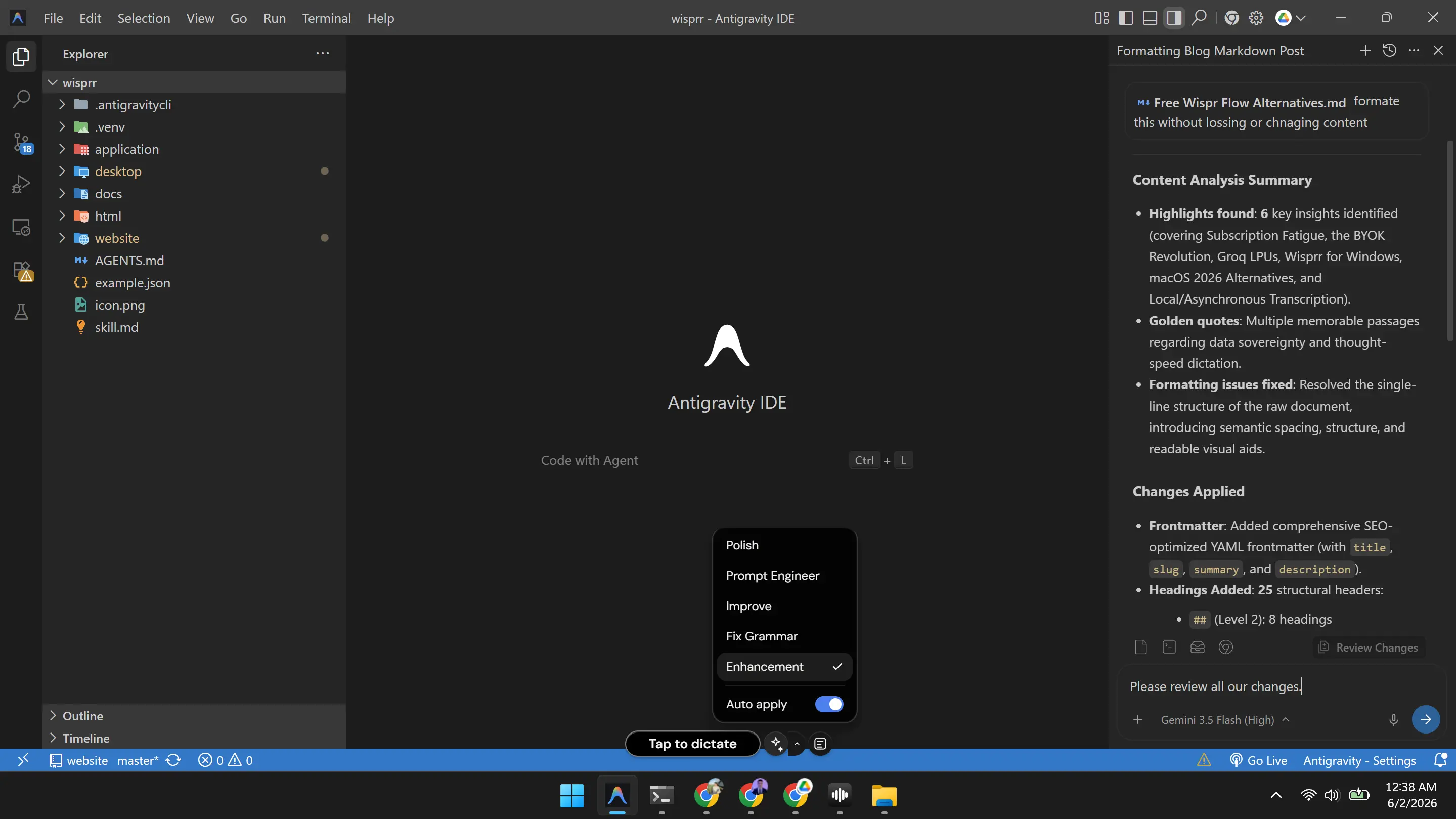
Wisprr captures that audio, zips it over to an LLM using your Groq API key, and runs a 'Prompt Engineer' transform on it. It instantly translates your casual, unstructured vocalization into a perfectly formatted text prompt. It gets the technical jargon right, fixes the capitalization, and auto-pastes it directly into your IDE.
It accelerates the whole process. You get to skip the physical fatigue of typing out instructions for an AI and just focus on the architecture of the app.
The keyboard isn't going anywhere, obviously. You still need it for precision edits. But for writing the dense context prompts required for modern AI development, talking is just faster.
Related Articles
Free Wispr Flow Alternatives: The Best Voice Dictation Apps in 2026
Tired of hitting the 2,000-word limit on Wispr Flow's free tier? Here is how to use BYOK architecture to get unlimited, blazing-fast dictation without a $15 monthly subscription.
What is the Best Free Dictation Software for Windows?
Windows users usually get stuck with subpar native tools or expensive subscriptions. We built Wisprr to finally bring fast, free, AI-powered dictation to the PC.